IQ Option Contact
Writen By

Online Trading Platform Researcher and Guide Writer
Researches broker platforms and trading account Systems.
If you're locked out of your account, facing deposit or withdrawal delays, or encountering platform errors that block trading, contacting support quickly will reduce downtime and protect funds. Knowing which channel to use and what information to provide helps get faster, more accurate responses and avoids repetitive back-and-forth.
Before you contact IQ Option support, gather your account ID, transaction references, and copies of verification documents to speed resolution. Expect different response times between live chat, email, and in-platform tickets: use live chat for urgent access or trading interruptions, and email/tickets for disputes and document submissions. Always confirm support messages through the official platform and follow basic security checks to avoid impersonators.
Before you contact IQ Option support, gather your account ID, transaction references, and copies of verification documents to speed resolution. Expect different response times between live chat, email, and in-platform tickets: use live chat for urgent access or trading interruptions, and email/tickets for disputes and document submissions. Always confirm support messages through the official platform and follow basic security checks to avoid impersonators.

IQ Option Online Chat
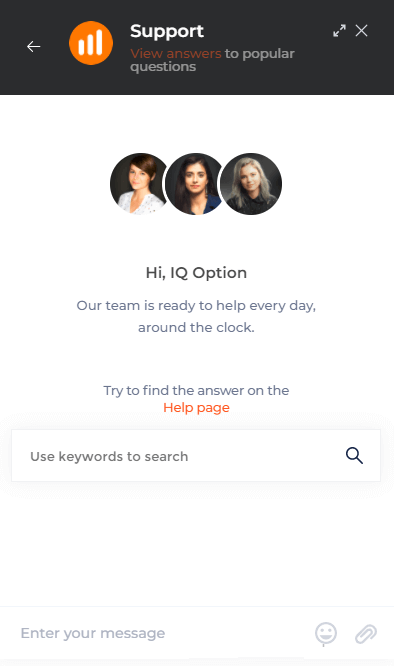
One of the most convenient ways to contact IQ Option broker is using online chat with 24/7 support that allows you resolve any issue most fast as possible. The main advantage of the chat is how fast IQ Option gives you feedback, it takes for about 2 minutes to get answered. You cannot attach files to your message in Online chat. Also you can’t send your private information.But you have to register an account to see an Online Chat
IQ Option assistance by Email
Another way to contact support is by e-mail. So if you don’t need a quick answer for your question just send an email to [email protected]. IQ Option strongly recommends using your registration email. I mean the email that you used for registration on IQ Option. This way IQ Option will be able to find your trading account by email that you used.
IQ Option help by Phone
According to company policy, IQ Option does not disturb traders with outgoing calls, except for the welcome calls that IQ Option Fresh Team makes when traders make their first deposit. Nevertheless, you are always welcome to contact IQ Option.Up-to-date information about IQ Option customer support can be found on the website: https://iqoption.com/en/contacts
IQ Option Contact Form
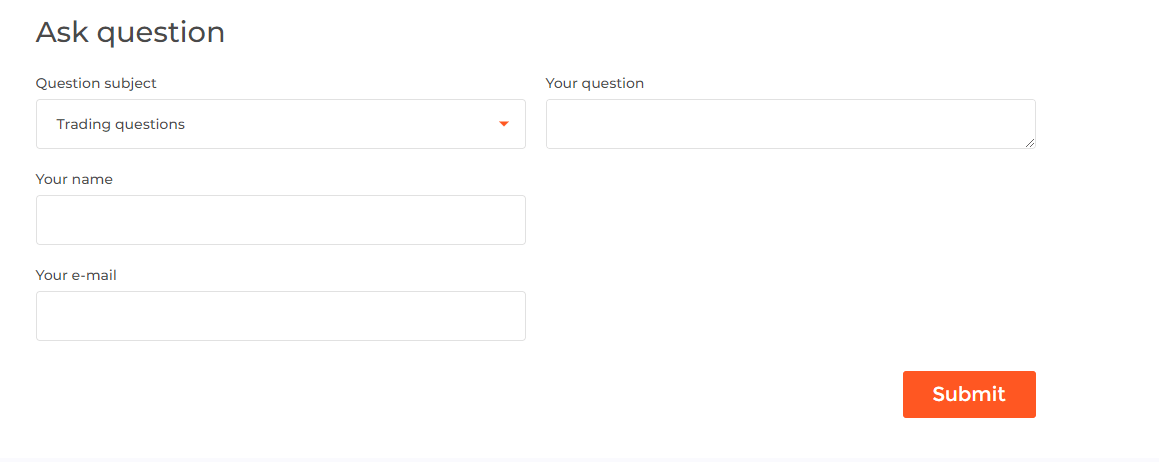
Another way to contact IQ Option support is “Contact Form”. Here you will need to fill your e-mail address to receive answer back. Also you will need to fill the text message. Here is the same situation as with the Online Chat you will not be able to attach files.Using contact form at here: https://iqoption.com/en/contacts
Which is the fastest way to contact IQ Option?
The fastest response from IQ Option you will get through the Online Chat.
How fast can i get response from IQ Option support?
You will be answered in several minutes if you write via Online chat and it will take for about 24 hours to get answered by Email.
IQ Option Help Center
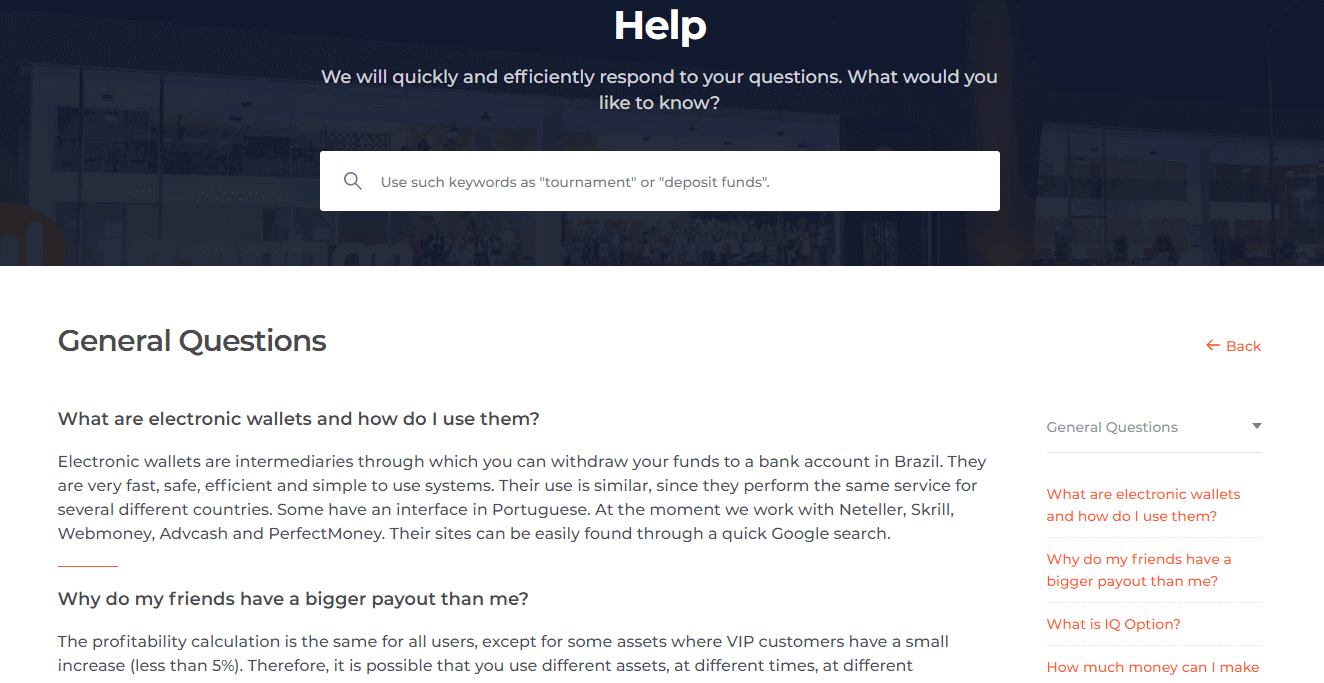
IQ Option have got the common answers you need at here: https://iqoption.com/en/faq/general-questions
FAQs
You can reach IQ Option via the in-platform live chat, official support ticket/email, and verified social media accounts; live chat is generally fastest for urgent trading or access issues while email/tickets suit document uploads and formal disputes.
Log into your account, open the support or help section, select the appropriate category (verification, deposit, withdrawal, complaint), attach clear scans or photos of required documents, provide transaction IDs and a concise description, then submit the ticket and note the reference number for follow-up.
Pending status can result from high ticket volume, missing documents, use of the wrong category, or security checks. Check your email and in-platform messages for requests for more information, reply with the requested evidence, and reopen or escalate the ticket if no response arrives within the stated SLA.
Expect government ID (passport, national ID, or driver’s licence), a recent proof of address (utility bill or bank statement), and proof of payment for card or bank transfers. Withdrawals may be restricted until verification completes; submit legible files in accepted formats and redact unrelated sensitive numbers as advised.
Always start support from the official app or by signing into the official website; verify the support email domain matches the platform, never share passwords or full card numbers in messages, ask for a ticket ID for every interaction, and ignore unsolicited links or requests outside the platform.